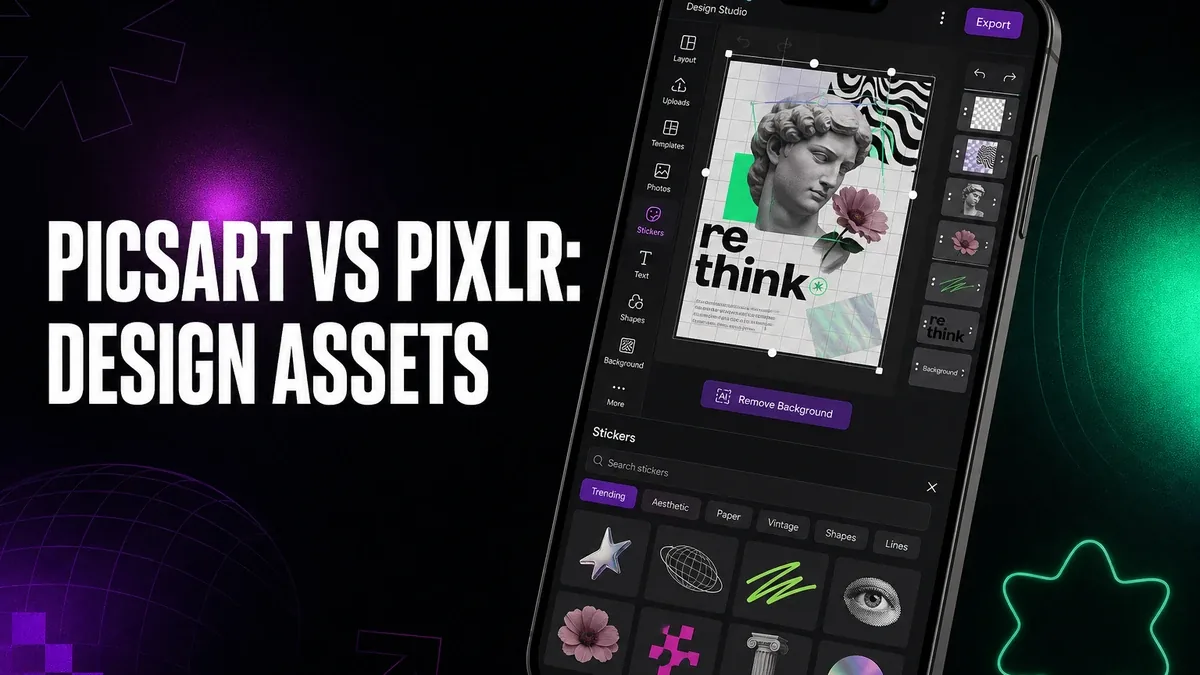
Photo editors fix the image. Design apps package the image. If your real problem is stickers, collage grids, fonts, and social layout, starting in a photo-repair tool can make every post feel slower than it needs to be.
Download Picsart MOD APK - Premium Unlocked, No Ads
Picsart · Pixlr · Social Design · Photo Editing · Android 2026 · Comparison
The Real Split Is Design Assets vs Photo-First Repair
Mobile creative apps get compared as if they all sit in one category called "editing." They do not. Some apps are strongest when the photo still needs correction, masking, or compositing control. Others are strongest when the photo is already usable and the remaining job is social design: collage, stickers, text styles, templates, and publishable layout.
The core thesis of this article is simple: Picsart is better when your workflow needs design assets and social packaging more than deep photo repair, while Pixlr is better when the image itself still needs editing work before layout matters. The right app is not the one with the biggest creative library headline. It is the one that matches whether you are decorating a post or fixing a picture.
Why Design-First Work Breaks Photo-First Tools
A lot of Android users open a photo editor because they want a finished Instagram graphic, story collage, or sticker-heavy post. The photo may already be fine. The missing pieces are assets and assembly: grids, overlays, fonts, effects packs, and a layout that looks intentional on a feed.
That is a design job. Pushing it through a photo-first editor often means fighting the wrong center of gravity. You get image tools you did not need, then still lack the sticker and template surface that would have finished the post faster.
The reverse is also true. If the picture itself is weak — messy background, bad exposure, compositing that still needs layers — design assets will not rescue it. That is where Pixlr-style photo-first editing remains the better first move, as covered in why Pixlr still matters.
What Picsart Actually Does Better
Picsart MOD APK makes more sense when the decision starts with creative packaging. Stickers, collage layouts, fonts, effect packs, and social-ready design tools sit closer to the publishing path than a repair-first photo stack.
What you gain: faster access to design assets, stronger collage and sticker workflows, and a better fit for posts that need creative assembly more than image surgery.
What you lose: some photo-first seriousness. Pixlr remains clearer when layers, cleanup, and image correction are the real bottleneck. Lightroom remains clearer when color grading is the job — see Lightroom vs Pixlr.
Picsart is strongest when the photo is already good enough and the remaining work is social design. It is weaker when the underlying image still needs deliberate repair before any sticker or template should enter the frame.
Best For, Not Ideal For
Picsart is best for: users who regularly build social graphics, collage posts, sticker-heavy stories, and creative layouts where asset variety matters more than deep photo correction.
Pixlr is better when: the workflow starts inside the photo — cleanup, compositing, background work, or image-first adjustments before design packaging. For product cutouts specifically, compare Photoroom vs Pixlr.
Not ideal for Picsart: photographers who mainly need RAW-style color control, or users whose posts fail because the source image still needs repair rather than decoration.
Biggest cost: creative abundance. Design assets help finish a social look quickly, but they can also pull attention away from whether the photo itself was ready.
Before You Choose Picsart
Before choosing Picsart, ask whether you are trying to decorate a usable image or repair a weak one. If the photo is already good enough and the missing piece is collage, stickers, fonts, or social layout, Picsart is the clearer fit. If the image still needs work, start photo-first.
For a wider map of mobile editing categories, see best Photoshop alternatives for Android. For install friction, keep the APK parsing error fix and the MOD APK safety guide nearby.
Our Honest Recommendation
Choose Picsart when design assets and social packaging are the real daily problem. Choose Pixlr when the photo itself still needs editing before layout should matter.
In short: Picsart is better for design-first social work. Pixlr is better for photo-first repair and compositing.
How to Download Picsart MOD APK
Since the modded version is not available on the Google Play Store, you need to install it manually. Follow these steps:
- Enable Unknown Sources: Open Android settings, go to "Security" or "Apps," and enable "Install from Unknown Sources."
- Download the APK: Use the app page link to get the latest Picsart MOD APK version.
- Remove Conflicting Versions: Uninstall the official Picsart build first if installation fails due to signature conflict.
- Install the APK: Tap the downloaded file and complete installation.
- Test a Real Design Job: Build one collage or sticker-heavy post from an already usable photo, then ask whether the asset workflow finished the job faster than a photo-repair app.
A design app is only the right first tool if the photo is already good enough. If the image is weak, assets will decorate the problem instead of fixing it.
FAQ
Is Picsart better than Pixlr?
It is better when design assets and social packaging matter more. Pixlr is better when the photo itself still needs editing before layout.
Who should use Picsart?
Users who regularly make collage posts, sticker-heavy stories, font-driven graphics, and other social designs where creative assets are the main bottleneck.
When is Picsart the wrong choice?
When the source image still needs repair, compositing, or color control more than stickers and templates.
What is the biggest trade-off with Picsart?
You gain a richer design-asset surface for social packaging, but you may give up the photo-first seriousness that Pixlr provides when the image itself is the problem.
If your Android creative work is mostly social packaging, not photo surgery, Picsart is one of the clearer design-first options.