This is a dialog window

MODDROID App vs Website

Which Is Better for Downloading Android MOD APKs? (2026)

May 18, 2026
MODDROID App vs Website comparison for Android MOD APK downloads

Get the MODDROID App — reliable access even when the website is blocked

Download MODDROID App — Free APK

Official MODDROID client · Direct APK · No account required to browse

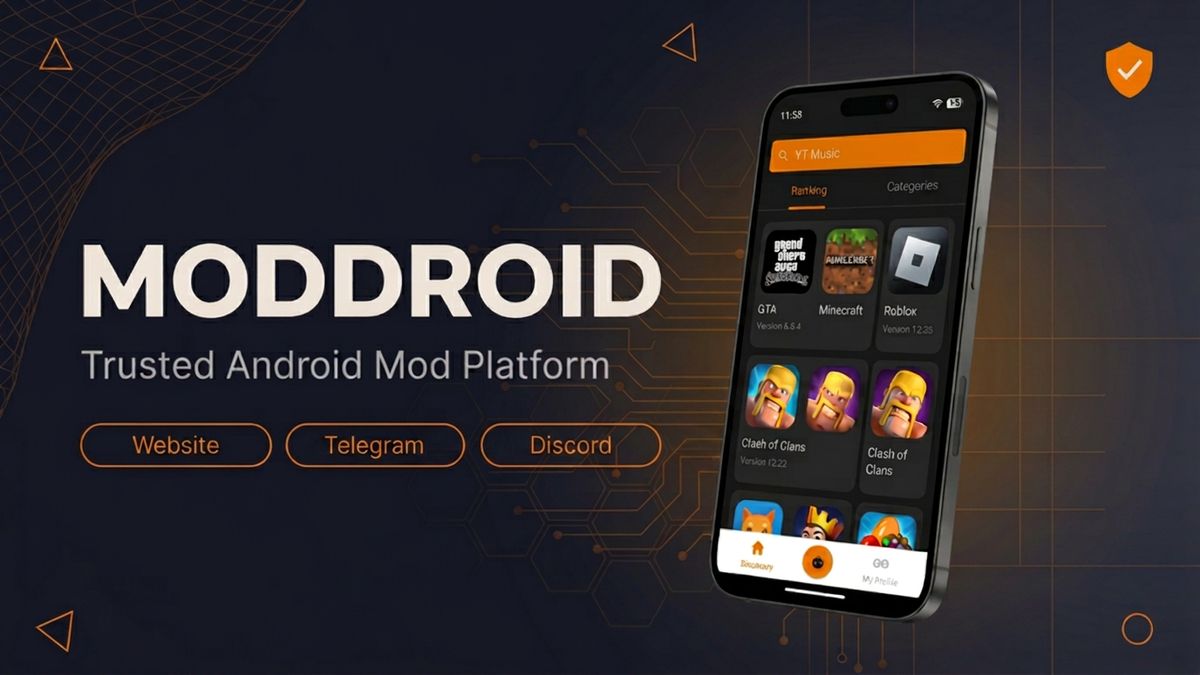
Most users discover MODDROID through a browser search and download their first MOD APK from the website. That works — but it is not the most reliable way to keep downloading, especially if you depend on mod apps regularly. The MODDROID Android app solves several problems that browser-based downloading cannot.

This article compares both options honestly so you can decide which path makes more sense for the way you actually use Android.

Quick comparison: App vs Website

  • The app is not affected by DNS blocks or domain filtering — the website can be.
  • App downloads are faster and more stable on mobile connections.
  • The app sends update notifications so you never manually check for new versions.
  • Both access the same full catalog — content is identical.
  • The website is still useful for desktop users and quick one-off searches.

Why website access sometimes fails

If you have ever tried to open a mod APK website and found it unreachable — no error message, just a blank page or a connection timeout — the most likely cause is not the site going down. It is DNS filtering or domain flagging at the network level.

Here is how it works. When your browser opens a website, your network's DNS server translates the domain name into an IP address. ISPs, mobile carriers, and corporate or school networks sometimes block specific domains at this step — either because the domain has been reported, flagged automatically, or falls into a blocked category. The site itself may be running perfectly, but your network refuses to resolve the address, so you never reach it.

MOD APK websites are a common target for this kind of filtering because they distribute modified software that is not on official app stores. This has nothing to do with a specific site being unsafe — it is a broad domain-level action that catches many legitimate platforms alongside genuine bad actors.

The result for users: even reliable, long-running mod APK platforms become intermittently unreachable depending on your network, your country, your ISP, or even just which Wi-Fi you are connected to that day. A VPN fixes it for the browser, but that adds friction and is not always practical.

How the MODDROID app bypasses this problem

The MODDROID app communicates with the server differently from a browser. It uses a direct API connection rather than loading a domain through the browser's standard DNS resolution path. This means the domain-level blocks that affect browser access typically do not apply to the app.

In practice: if you cannot open moddroid.com in Chrome because your ISP is filtering the domain, the MODDROID app will usually still work — because it is not routing the request the same way your browser does. You get access to the full catalog without needing a VPN or changing your DNS settings manually.

This is one of the most practical reasons to install the app rather than relying on a bookmark or browser shortcut. Your connection to the catalog stays stable even when the website URL becomes temporarily unreachable.

Download speed and stability

Downloading a large APK file through a mobile browser is more fragile than it should be. If your screen locks, another app comes to the foreground, or your connection drops for a few seconds, many browsers either pause or restart the download entirely. On slower mobile connections, a 100–200 MB APK can take several attempts to complete.

The MODDROID app manages downloads as background tasks that are separate from the UI. A dropped connection triggers a resume rather than a restart. Downloads continue while you use other apps. The progress bar stays visible in the notification tray so you can check status without reopening the app.

For users on unstable mobile data or shared Wi-Fi — which describes most users in the markets where mod APKs are most popular — this difference is meaningful. An APK that takes three browser attempts to download usually completes in one with the app.

Update notifications and version tracking

One of the most overlooked advantages of the MODDROID app is passive update tracking. When you download an app through the MODDROID client, it tracks the version you have and watches for newer releases. When a new mod version is published, you receive a notification — without having to remember which version you installed or manually check the listing page.

This matters because mod apps update frequently. The upstream app updates, the mod patch needs to be rebuilt, and the new version replaces the old one in the catalog. Users who stay on outdated mod versions often run into compatibility issues, crashes, or expired features — problems that are easy to avoid if you simply know a new version is available.

The website shows the same version information, but it only helps if you remember to go back and check. The app closes that loop automatically.

When the website still makes sense

The MODDROID website is not going away, and there are situations where it is the right tool.

Desktop users. If you are researching an app on a laptop or desktop computer — reading version notes, comparing mod features, checking compatibility — the website is better. The app is an Android client and is not a desktop experience.

First-time discovery. Most users find MODDROID through a search engine result that points to a specific app listing. The website handles that entry point naturally. The app becomes the better choice after you have found the platform and want to keep using it.

Sharing a link. If you want to send someone a specific app page — via message, email, or social post — a website URL works immediately for the recipient without requiring any installation on their end.

Think of the website and app as serving different moments: discovery and sharing work well on the website; regular downloading, version tracking, and reliable access work better in the app.

Which should you use?

If you download MOD APKs more than once a month, install the app. The combination of domain-block resilience, stable background downloads, and automatic update notifications makes it the better experience for regular use — and it costs nothing beyond the one-time install.

If you only occasionally look up a single app on a desktop or want to share a link with someone, the website is the right tool for that moment.

The two are not competing choices. They serve the same catalog and complement each other: use the website to discover and share, use the app to download and stay updated. Most regular MODDROID users end up doing both — finding something through a search, then switching to the app to finish the download and track future updates.

The app download button is at the top and bottom of this page. It is a direct APK — no Play Store account needed, no registration required.

FAQ

Is the MODDROID app better than the website for downloading MOD APKs?

For regular users, yes. The app bypasses DNS and domain block issues, completes downloads more reliably on mobile, and sends notifications when new versions are available. The website remains useful for desktop browsing and first-time discovery.

Why can't I open the MODDROID website sometimes?

Website access goes through your network's DNS, which ISPs and carriers sometimes use to block specific domains. The MODDROID app uses a direct API connection and is not affected by these browser-level DNS filters, so it stays accessible when the website URL is blocked.

Does the MODDROID app have the same content as the website?

Yes. The app connects to the same catalog — same apps, same MOD versions, same update history. The content is identical; the difference is how you access and download it.

How do I download the MODDROID app?

Tap the download button on this page to get the official MODDROID APK. Enable "Install from unknown sources" in your Android settings, then open the APK to install. No Play Store or account required.

Is the MODDROID app free?

Yes. The MODDROID app is completely free. No registration, no subscription, no account required to browse or download.

Get the MODDROID App — reliable access, faster downloads, version notifications

Download MODDROID App — Free APK

Join the community on Telegram or Discord

🔥 Ищете ещё Mod APK? Просмотрите самые популярные загрузки 2026 года. Смотреть популярное →
56.5K Shares
twitter facebook tumblr reddit quora medium
