This is a dialog window

Best Netflix Alternatives for Android in 2026 — Free Apps That Actually Work

June 11, 2026
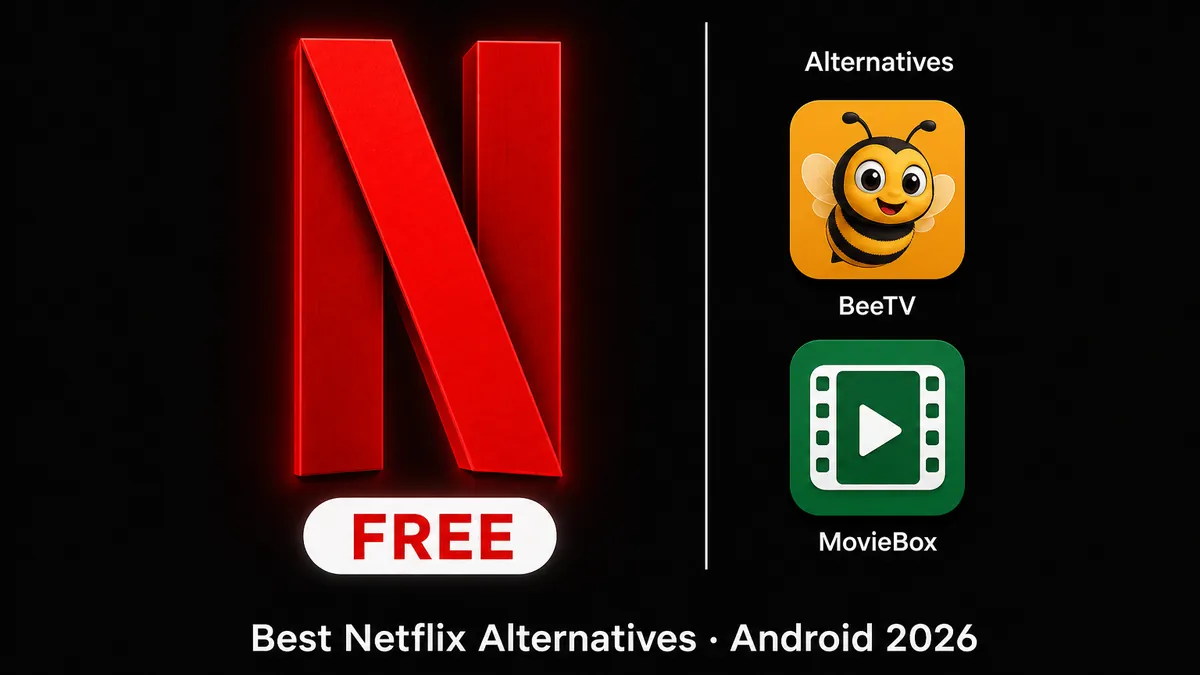
Best Netflix alternatives for Android in 2026 — free streaming apps BeeTV and MovieBox compared

Still want Netflix content? Get Netflix on MODDROID — no subscription required.

Get Netflix — Free on MODDROID

Entertainment category · Premium Unlocked · Latest version always available

If cost or account restrictions are the reason you are leaving Netflix, the Netflix app on MODDROID is worth trying first — it gives you the familiar Netflix interface and browsing experience without a subscription. That is the quickest fix before committing to a completely different app.

If you want to move away from Netflix entirely, BeeTV and MovieBox are the two best free Android apps for movies and TV shows. Both are free with no account required. BeeTV pulls from more sources but needs a separate player app on first use; MovieBox works immediately out of the box. This article covers all three so you can choose the right fit.

Quick pick: which option fits your situation?

  • Want the Netflix interface and experience without paying: Netflix on MODDROID (recommended first)
  • Want a free movie and TV library, happy with a one-time player setup: BeeTV
  • Want the simplest free streaming app with no extra installs: MovieBox

Why Netflix Users Are Looking for Alternatives in 2026

Two specific events drove the surge in Netflix alternative searches — and neither is about the content quality.

Password sharing crackdown (2023–2024): Netflix rolled out its paid sharing policy globally, ending the era of sharing one account across households. Accounts that had been running on one subscription for multiple families were suddenly locked. Users who had been paying nothing found themselves forced to either subscribe or stop watching.

Price increases: Netflix's Standard plan reached $22.99/month in the US. The ad-supported plan dropped to $7.99 — but it adds ads to a product people were used to watching ad-free. For users outside the US, local pricing varies but the direction has been consistently upward since 2022.

The key detail: almost nobody complains about Netflix's content. The complaint is almost always about the price or the account restrictions. That distinction matters when choosing an alternative — because if the content is what you actually want, switching apps means giving up Netflix Originals, exclusive series, and a catalog that no other free app comes close to replicating. The Netflix app on MODDROID solves the cost problem while keeping the content.

Netflix on MODDROID — Familiar Interface, No Subscription (Recommended)

Before switching to a completely different app, try the Netflix app available on MODDROID. It delivers the Netflix browsing experience — the interface, the layout, the content categories — without requiring a paid subscription. For users whose main frustration is the monthly cost or the account restrictions, this is the path of least resistance: same look and feel, no ongoing payment.

Why try this before switching

BeeTV and MovieBox both have learning curves — BeeTV needs a player app configured, MovieBox has a different interface to get used to. If you are comfortable with how Netflix works and the cost is the only issue, the Netflix app on MODDROID lets you stay in a familiar environment. Most users who try it find they do not need to look further.

A note on antivirus warnings

Some antivirus apps may flag this APK during installation — this is standard behavior for modified APKs and is not an indicator of actual malware. Android shows an "unknown sources" warning for any APK installed outside the Play Store; this is a built-in OS prompt, not a sign of a problem. The version listed on MODDROID is reviewed before publishing.

When to use BeeTV or MovieBox instead

  • You want a completely fresh start with a different content source
  • You find the Netflix app does not carry the content you are looking for
  • You are looking for the broadest possible free movie and TV library

BeeTV — Best Free Alternative for Content Volume (Requires a Player App)

BeeTV is a streaming aggregator — it does not host content directly, but pulls streams from multiple sources and presents them in a clean browsable interface. The result is one of the largest free movie and TV libraries available on Android, updated quickly when new releases drop. It is completely free with no account required.

The one setup step: installing a player

BeeTV does not play video itself — it hands off to an external player. Before using it for the first time, you need to install a compatible player such as Bear Player or MX Player. The setup is straightforward: install both apps, open BeeTV, pick a title, select your player when prompted, and it plays. This is a one-time step — after the first use, BeeTV remembers your player choice automatically.

What you get compared to Netflix

BeeTV covers most mainstream Hollywood movies and popular TV series, often within days of release. The library is significantly broader than MovieBox in terms of source variety. What it does not have is Netflix Originals — exclusive content produced by Netflix that is not available on any third-party streaming source.

When to choose BeeTV

  • You primarily watch mainstream movies and TV rather than Netflix-exclusive series
  • You want the widest possible content selection from a free app
  • You are comfortable with a one-time player setup in exchange for better stream quality and variety

MovieBox — Simplest Free Alternative, Works Immediately

MovieBox is the lowest-friction free alternative on this list. Install the APK, open the app, and you can browse and watch immediately — no account, no extra apps, no configuration. The interface is clean and organized more like Netflix than BeeTV's aggregator layout, which makes it the easier choice for anyone who wants a familiar streaming experience without the setup.

Interface and experience

MovieBox presents content with cover art grids, genre sections, and a search bar — the visual layout is closer to a traditional streaming app than BeeTV's list-based interface. If you are used to Netflix's browsing experience and want something that feels similar, MovieBox is the more natural transition.

Where it falls short compared to BeeTV

MovieBox draws from fewer sources than BeeTV, which means some titles available on BeeTV may not appear in MovieBox, and stream quality can be more variable. For the most recent releases, BeeTV typically has more options sooner. MovieBox trades breadth for simplicity.

When to choose MovieBox over BeeTV

  • You want something that works immediately with no extra installs
  • You prefer a Netflix-style browsing interface over an aggregator layout
  • You watch popular titles rather than obscure releases, so source variety matters less

Verdict: Which Option Should You Install?

Start with the Netflix app on MODDROID. If the interface feels right and the content works for you, there is no reason to go further — you get the Netflix experience without the subscription cost. Most users stop here.

If you want a completely different free app

Start with MovieBox — it installs and works in under two minutes with no setup. Browse for a week. If you find yourself regularly hitting missing titles, add BeeTV alongside it (one-time player setup) for wider source coverage. Both run independently on the same device.

BeeTV vs MovieBox: the deciding question

Do you mostly watch mainstream blockbusters and popular series, or do you also want niche and international films? For mainstream content, MovieBox covers it with less friction. For the widest possible library, BeeTV gives you more sources — the one-time player setup is worth it if content variety matters to you.

FAQ: Netflix Alternatives for Android

What is the best free alternative to Netflix on Android?

If you want the familiar Netflix interface without paying, the Netflix app on MODDROID is the first thing to try. For a completely different free streaming library, BeeTV has the widest source coverage (requires a separate player app on first use) and MovieBox works immediately out of the box with no extra setup.

Does BeeTV require a subscription or account?

No. BeeTV is completely free with no account required. The only setup step is installing a compatible external player (like Bear Player or MX Player) — this is a one-time step that takes a few minutes.

Is MovieBox safe to install on Android?

MovieBox is available as an APK on MODDROID. Like all third-party APKs, you need to allow installation from unknown sources in your Android settings. The version listed on MODDROID is reviewed before publishing.

Why did Netflix start cracking down on password sharing?

Netflix introduced paid sharing rules in 2023 to convert shared accounts into new paying subscriptions. Combined with price increases to $22.99/month for the standard plan, many users began searching for free alternatives or ways to watch without a subscription.

Related on MODDROID

Get Netflix on Android — no subscription needed

Get Netflix — Free on MODDROID

🔥 Ищете ещё Mod APK? Просмотрите самые популярные загрузки 2026 года. Смотреть популярное →
56.5K Shares
twitter facebook tumblr reddit quora medium
